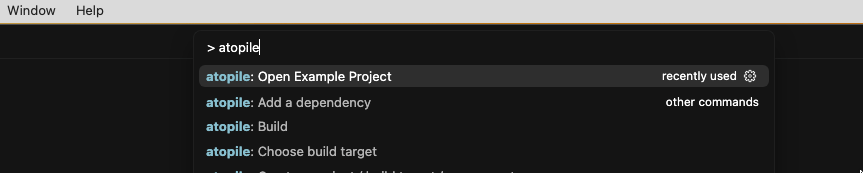
Press Ctrl+Shift+P and search for atopile: Open Example.Choose any example you like from the selection.
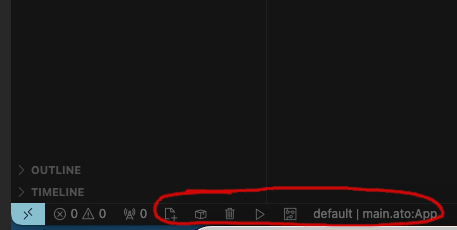
After confirming wait for the ato menu bar to appear:Press on the play button to compile the example.
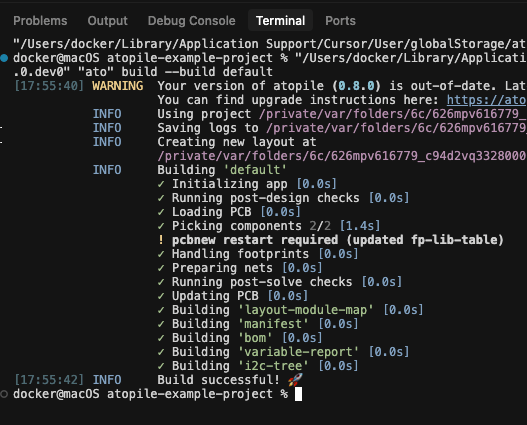
You will be greeted by the logs in the terminal:If you have KiCAD installed, you can now press on the PCB icon in the ato menu bar to open the layout file.